

שדות מותנים are those fields that rely on users’ specific actions בשדות קלט אחרים. אם השדות הנקבעים לא מופעלים, אז שדות מותנים אלה לא יעבדו. עכשיו, אתה יכול להוסיף לוגיקה מותנית ל קטגוריות פוסט ב-Fluent טפסים. בו שדות הקלט של אותן קטגוריות יופיעו, שיש לה ערך קטגוריה קבוע.
הדרכה זו מדגימה כיצד להגדיר לוגיקה מותנית בקטגוריות פוסט.
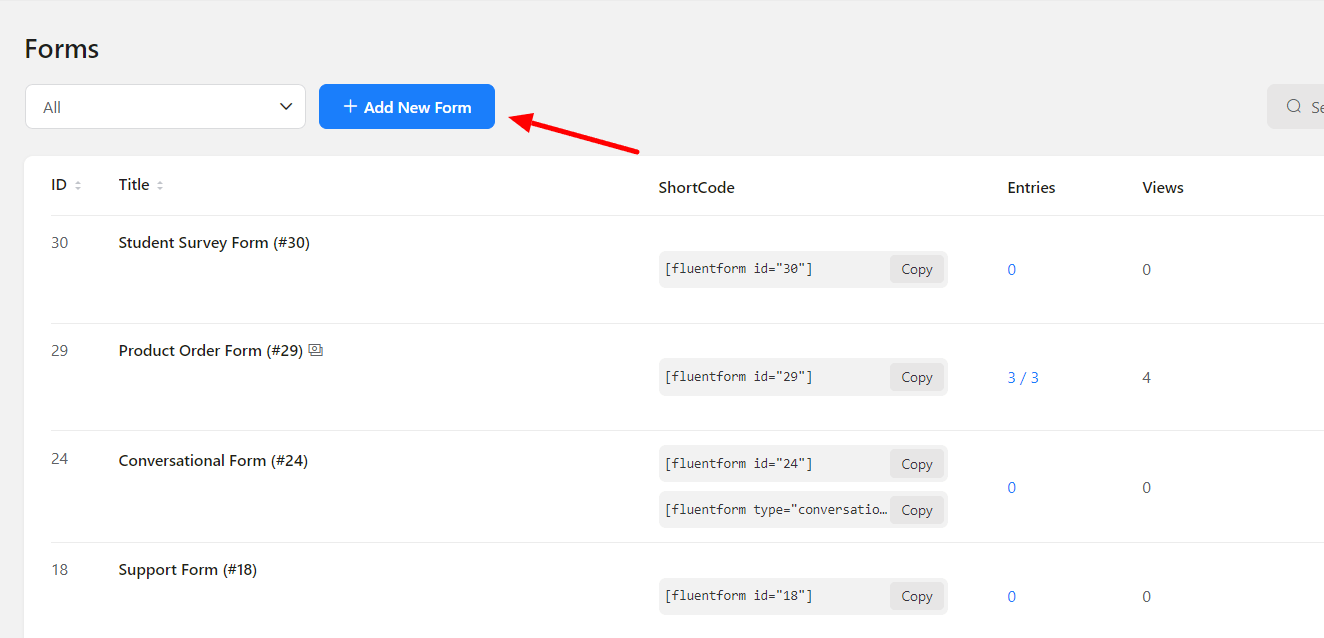
- השלב הראשון הוא ליצור טופס פוסט על ידי לחיצה על ה חץ סמל ב הוסף טופס חדש button.
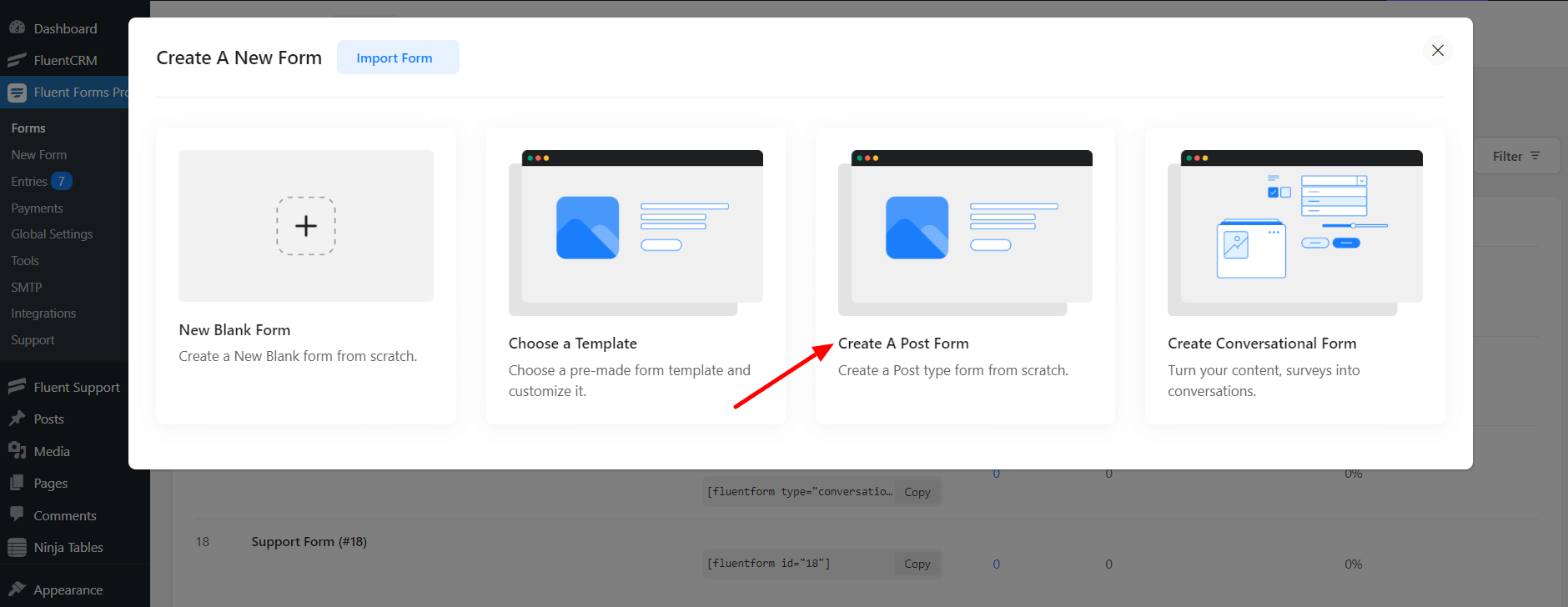
- אז בחר את סוג הפוסט בתור פוסט לטופס זה.
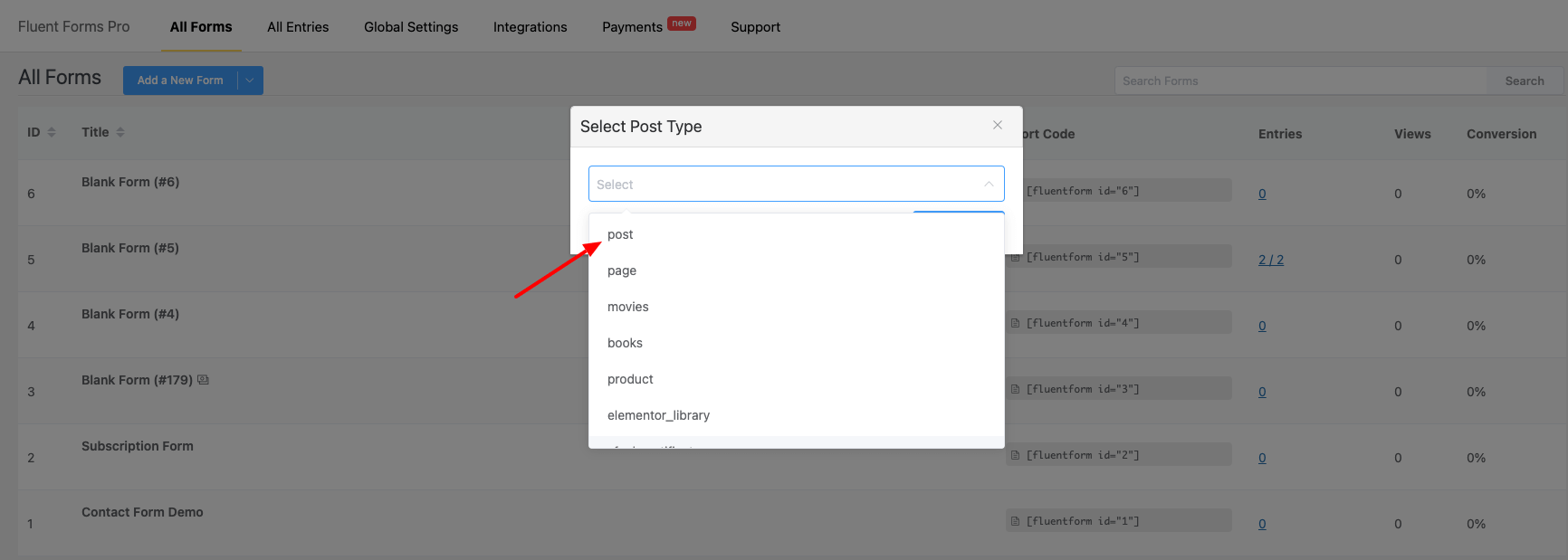
- In the Form Editor, go to the Taxonomy Fields and בחר the Categories field. Then go to the Post Fields & choose the Post Title and Post Content fields.
- Next, suppose you בחר the Simple Text and Numeric Field מ the General Fields. לחץ על ה Save Form button.
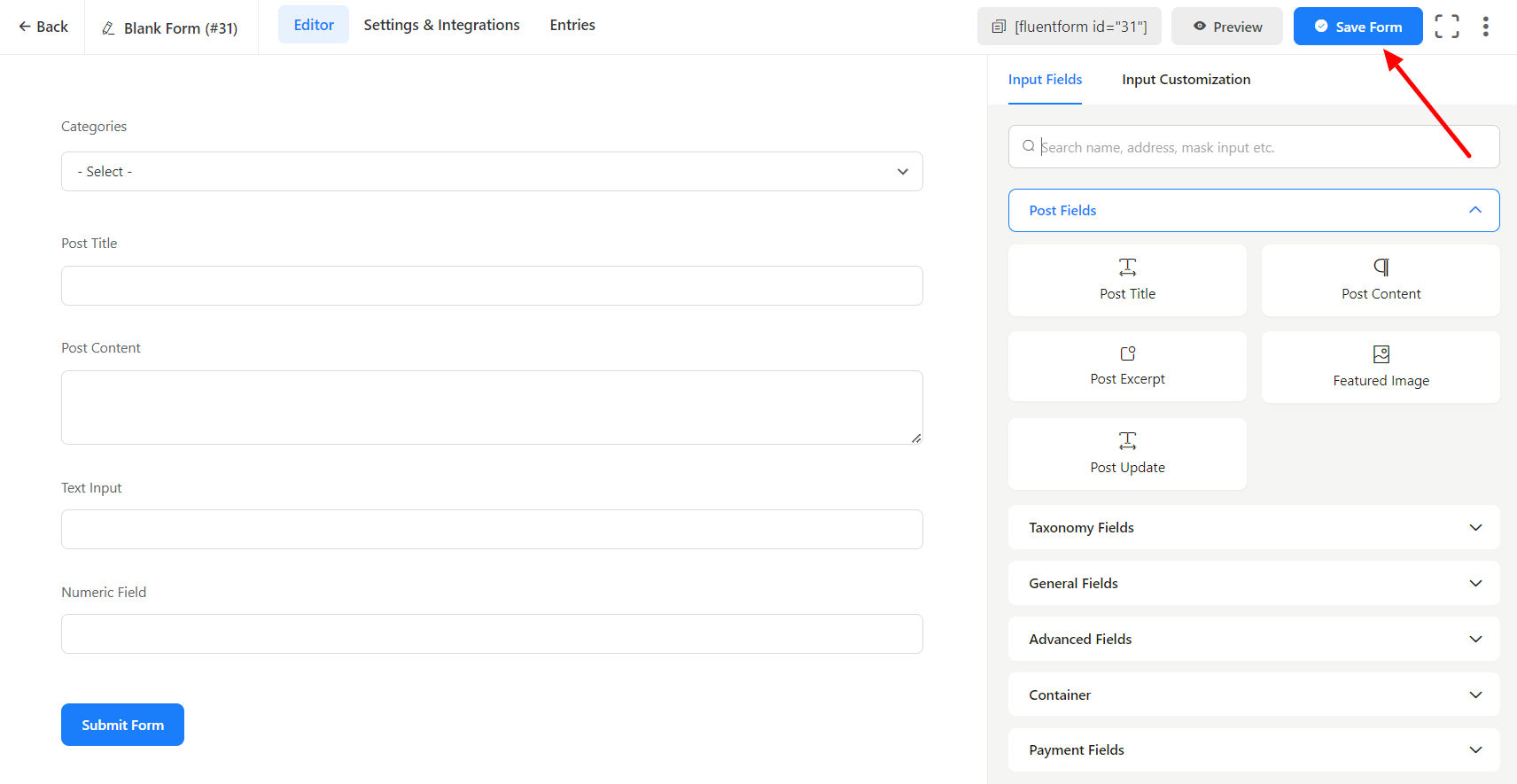
- עבור ל the הגדרות ואינטגרציות כרטיסייה of the form and click on Post Creation. Here, click on Add Post Feed to create a new פוסט feed. You will notice some options appear for configuring the feed.
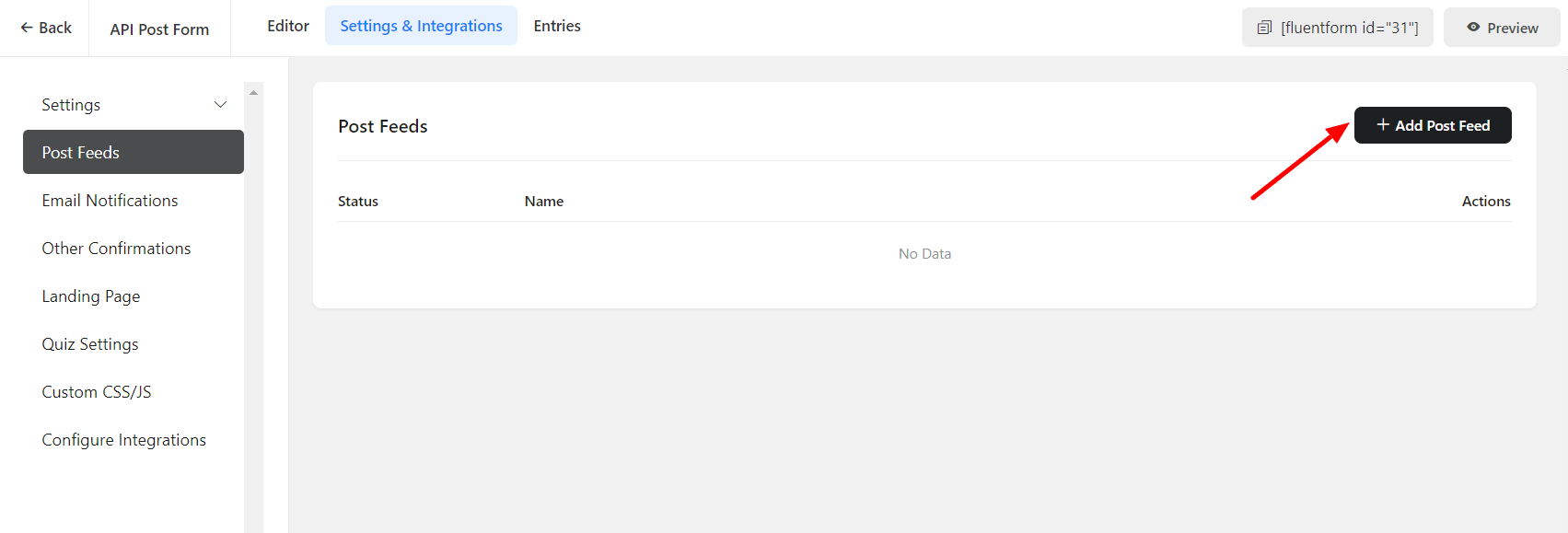
- Now here comes the important part. If you want the Text & Number fields only to appear when specific categories are בחרed. This can be done by using לוגיקה מותנית.
- To do that, go to the Input Customization כרטיסייה & בחר Yes on the לוגיקה מותנית option. In order to match the condition of the category, you need to fetch the values of that particular category.
- Now, preview the form and right-click on the Inspect Element. Then tap on the Category field to open the code that contains the category values.
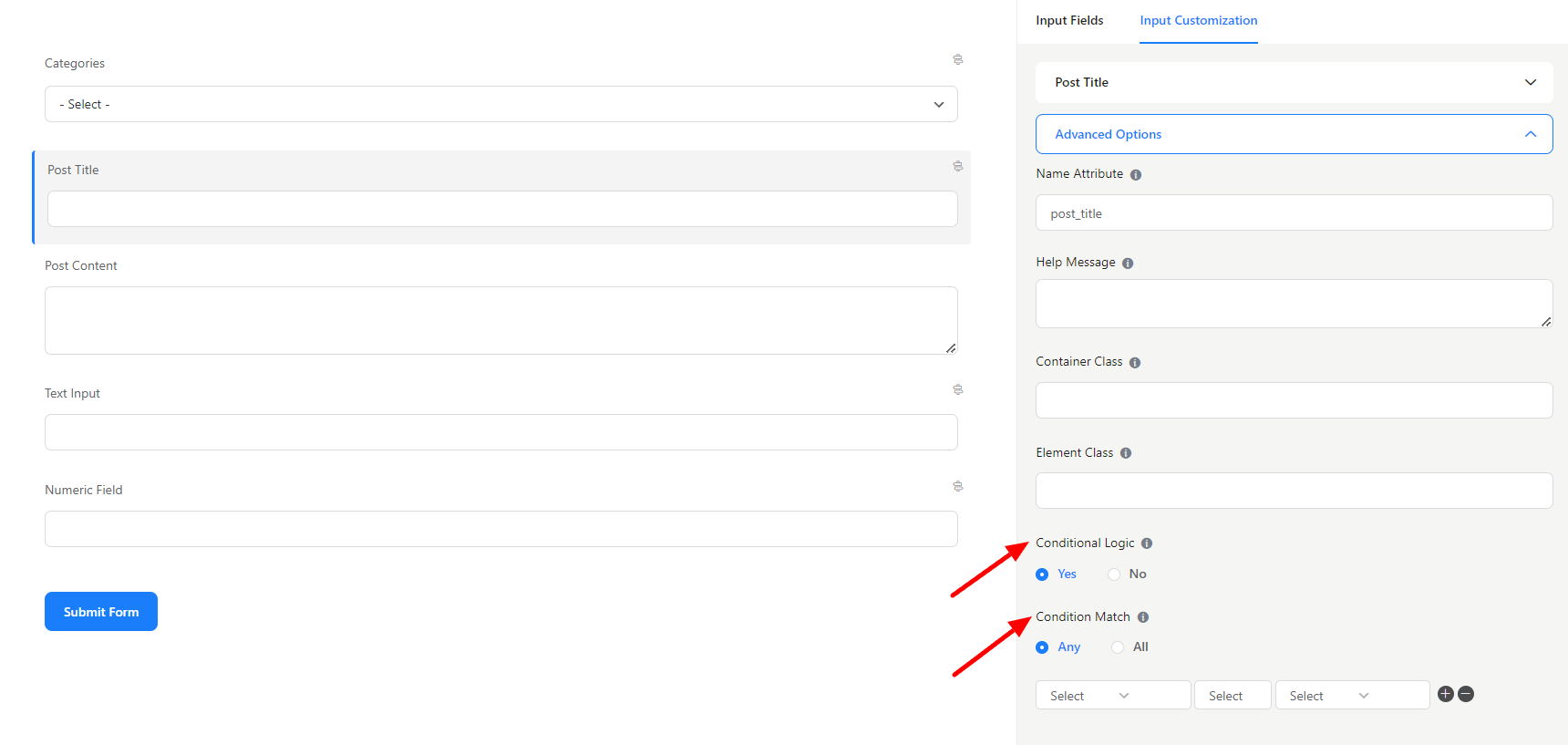
- The values entered in the conditional logic will then be added to the conditional logic. After that, don’t forget to save the form.
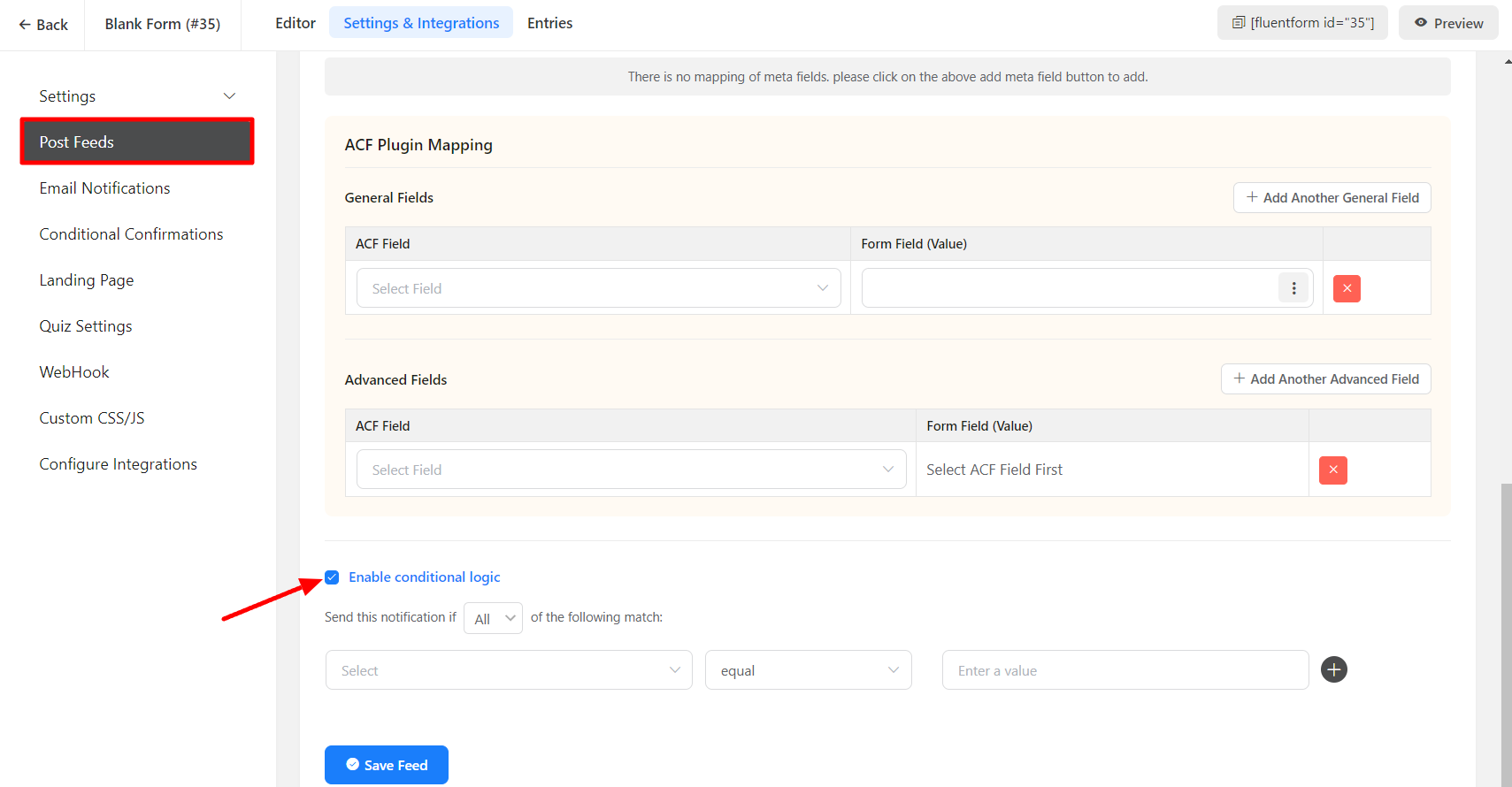
- Lastly, in the Preview mode, when you בחר the guest category. The Text and Number field will appear; otherwise, it will not.
Simple! This is how you can apply the Conditional logic to קטגוריות פוסט.